More ways to get pencil on paper.
Follow a camera guide, turn your own photo into a reference, or take a lesson one shape at a time. Choose the starting point that makes sense for you.
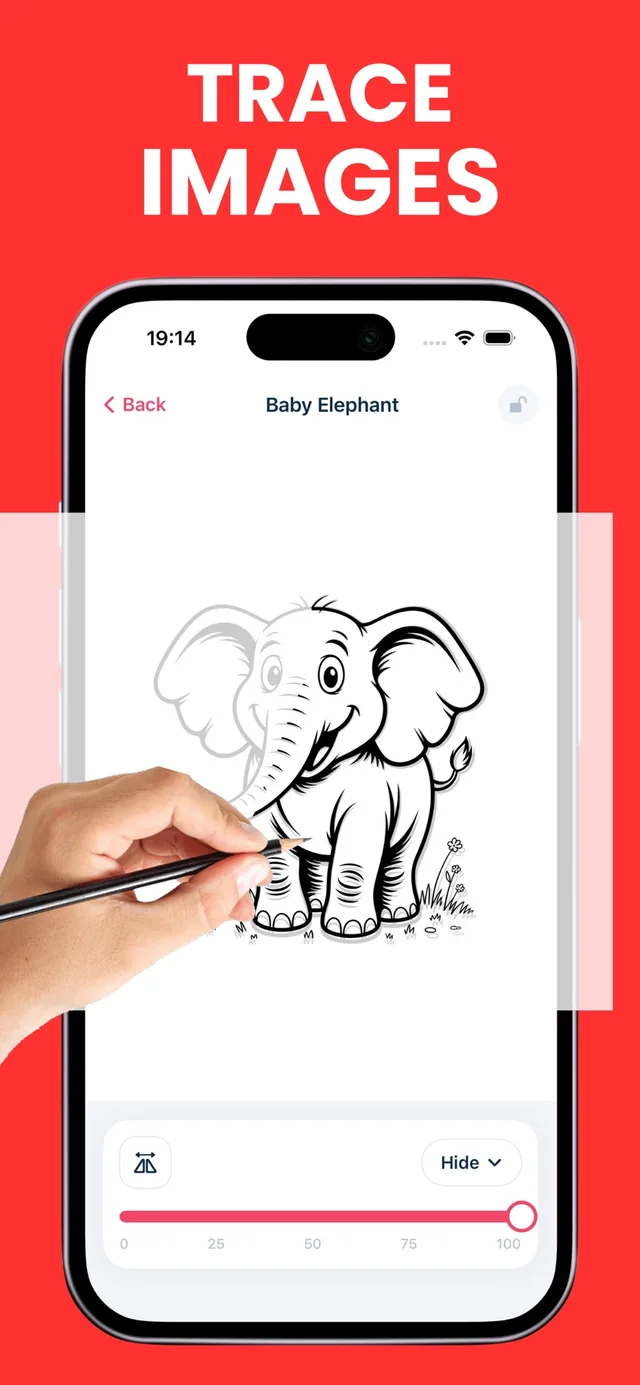
AR drawing on real paper
AR drawing overlays a reference image on your phone’s live camera view. You look at the screen while moving a real pencil across real paper. AR Drawing: Learn to Sketch lets you adjust the image opacity so the guide and your pencil marks remain visible together.
Explore AR drawing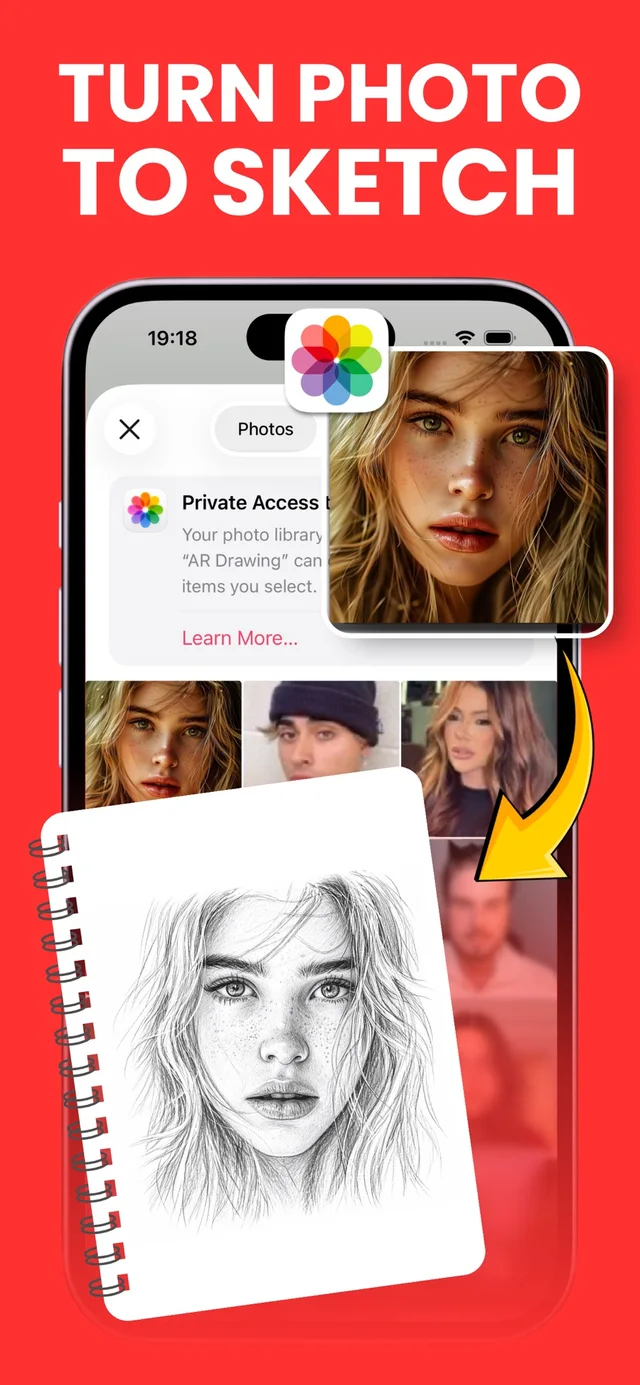
Turn your photos into sketch references
Photo-to-sketch conversion turns a photo into a drawing reference that you can use for tracing and practice. AR Drawing: Learn to Sketch supports photo-to-sketch conversion alongside camera tracing. Start with a photo you own or have permission to use.
Explore photo to sketch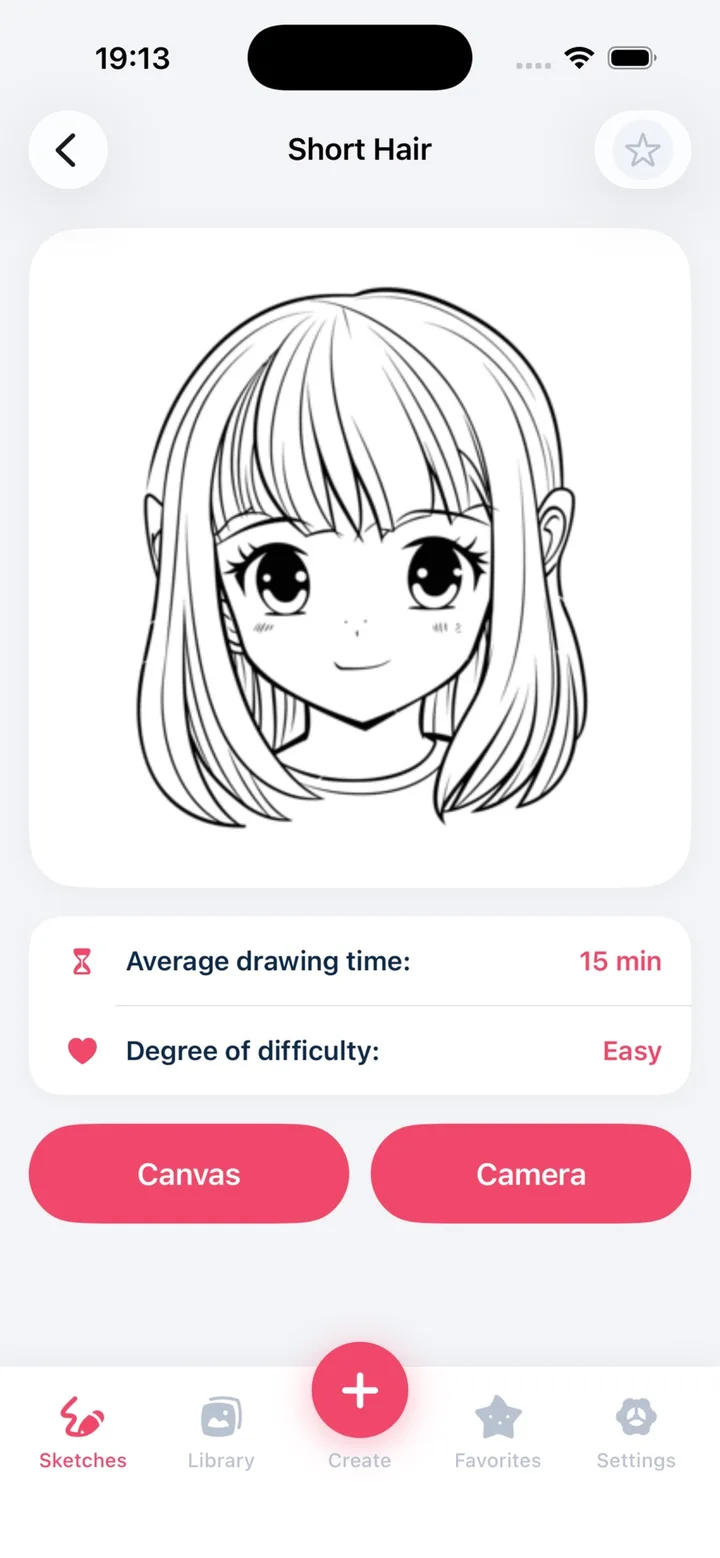
Build a drawing one step at a time
Step-by-step lessons break a drawing into smaller decisions: place the big shapes, check proportions, and add details. AR Drawing: Learn to Sketch includes step-by-step drawing lessons. You can also start with our original, illustrated website tutorials before downloading the app.
Explore drawing lessonsFeatures verified against the App Store listing on October 19, 2026. The app is free to download and offers in-app purchases; availability and access may change.