
Your next
sketch starts
right here.
Turn “I wish I could draw” into “I drew that.”
Follow a guide on your screen. Make something
of your own on paper.
Free to download. Optional in-app purchases.
a whole lot of you
 Your next little project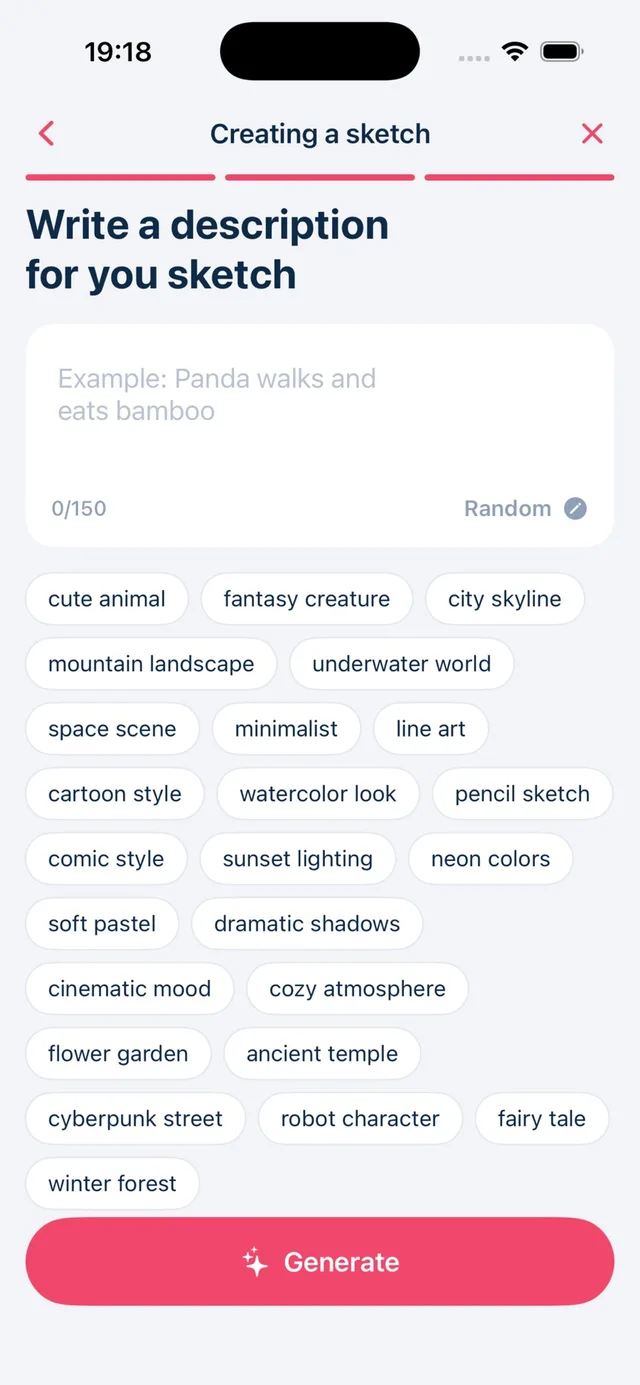
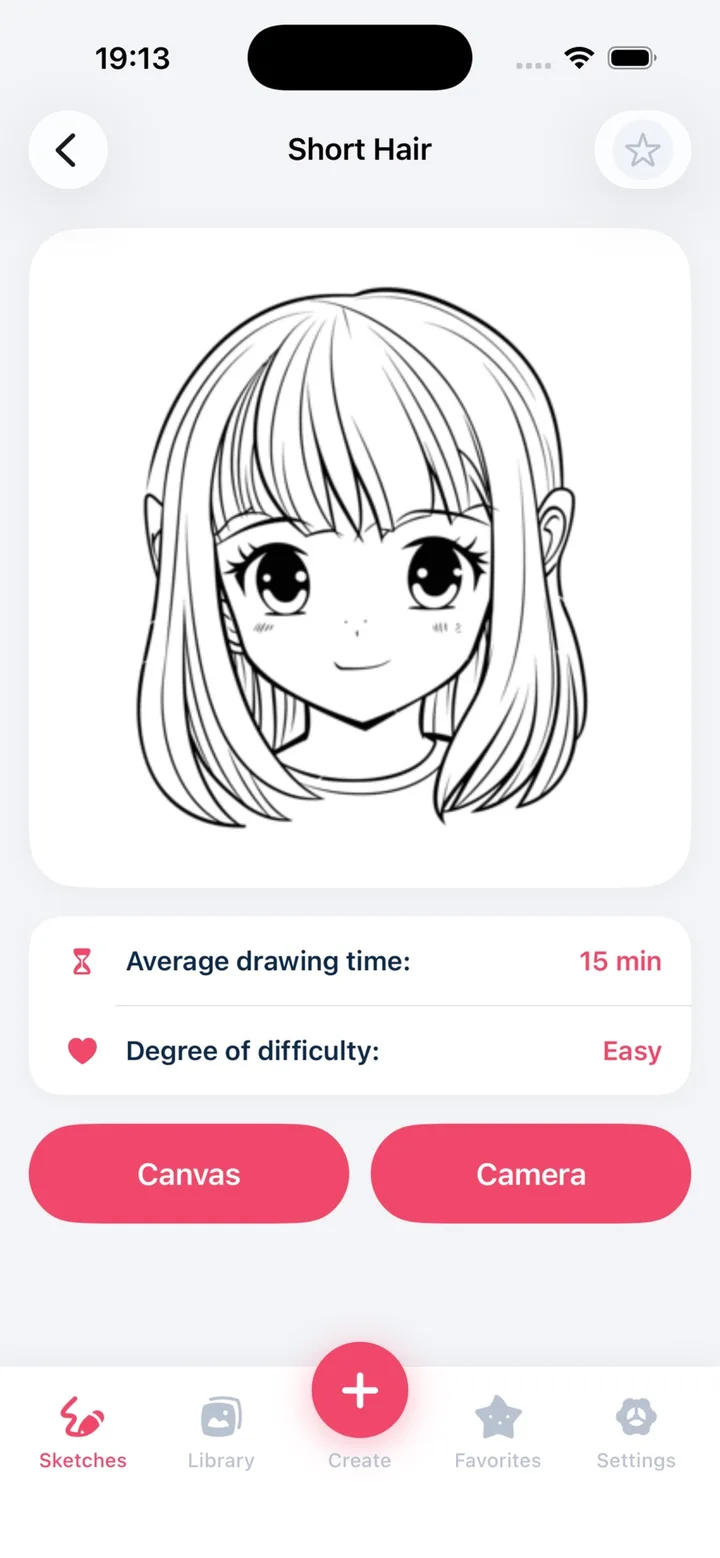
A phone. A pencil.
A place to start.
AR tracing gives you a reference to follow while you draw on paper.
You bring the pencil. We’ll help with the starting point.
Find your inspiration
Choose a reference, use your own photo, or start with a drawing lesson.
Set up your guide
Secure your phone above the page. Adjust the image opacity so you can see your pencil.
Make it your own
Follow the main shapes on screen. Add your details, colors, and a little personality.
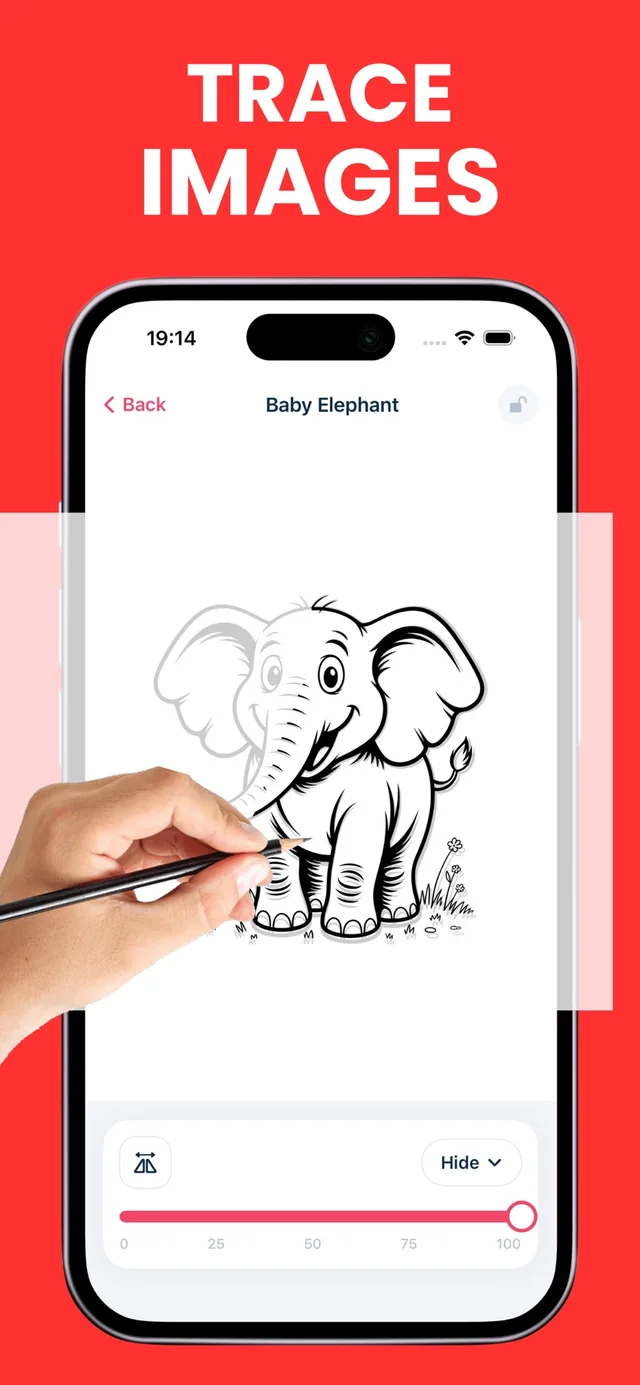
A drawing to call your own.
Less “where do I start?”
More pencil on paper.
Whether it’s a favorite photo or a new little idea, there’s more than one way to get it into your sketchbook.
Small steps. Something
to be proud of.
Free, original tutorials. A pencil and paper are all you need.



“What should
I draw today?”
A tiny leaf. A sleepy cat. The mug beside you.
Find a drawing idea that fits your mood.
Before you
pick up a pencil.
Want a hand with something else?
Get in touch
What is AR drawing?
AR drawing places a reference image over your phone’s live camera view so you can follow it while drawing on real paper. You look at the screen as your pencil moves; the phone does not physically project light onto the paper.
Can I use it if I’m a complete beginner?
You can start with a simple outline and light pencil marks. The app includes tracing tools and step-by-step lessons. Our free website tutorials also show how to build a cat, daisy, or butterfly from simple shapes.
Is AR Drawing free?
The app is free to download and offers in-app purchases. Features and subscription options may vary. Review the current App Store listing and the in-app purchase screen before subscribing.
Does it work on iPhone and iPad?
The App Store listing supports iPhone with iOS 17.0 or later and iPad with iPadOS 17.0 or later. Check the listing for current device compatibility.
Can I turn my own photo into a sketch?
Yes. The app supports photo-to-sketch conversion. Choose a clear photo you own or have permission to use, make a reference, and follow the main shapes on paper.
Make a little room for drawing.

How to set up AR drawing without a wobbly guide
A practical AR drawing setup guide: position your phone, light the paper, adjust opacity, and fix a shifting reference before you start tracing.
Read the guide
Tracing vs. freehand drawing: how to practice both
Understand what tracing and freehand drawing each ask you to do. Try a three-part practice exercise that moves from a guided outline to observation.
Read the guideHow to choose a drawing reference you can actually finish
Find beginner-friendly drawing references with clear silhouettes, simple lighting, and manageable detail. Learn what to simplify and what to leave out.
Read the guideYour next drawing is waiting.
Pick a reference, grab a pencil, and make a little time for yourself.
 Free to download · In-app purchases
iPhone & iPad · iOS 17.0+